

Inventory management software for wholesale and distribution
Wholesale is the same product at ten prices, in three warehouses, on terms that differ by customer. Qoblex gives each buyer their own price list and minimums, shows stock per location with transfers between them, prints the pick list when an order reaches shipping, and matches the purchase order to the goods and the supplier bill before a cost settles.
What breaks at wholesale volume
Retail problems, multiplied by pallets. The margins are thinner, so the mistakes cost more.
One price list for everyone
Every account has a negotiated rate, a minimum and a currency. Kept in someone’s head or a side spreadsheet, they get applied wrong, usually in the customer’s favour.
Stock in three places, counted as one
The system says forty. Thirty are in the far warehouse and ten are on consignment at a customer. The order ships from the one that has none.
A freight bill that arrives late and high
The purchase order said one figure; the carrier invoiced another. Nobody compared them, so the unit cost on every pallet is quietly wrong.
A price list per customer, with minimums
Create as many price lists as you have kinds of customer, or one per account, each with its own discounts and minimum order quantities, in any of 200 currencies. When an order is raised for that buyer, their prices apply. Nobody looks anything up.
Give trade customers a private store on your own domain and they place the reorder themselves, at their price, against your live stock.
- Per-buyer price lists with discounts and minimum order quantities
- Quotes, orders, back-orders and fulfilment in one flow
- A B2B portal where accounts reorder at their own terms
See order management and the B2B portal.
Every warehouse, every pallet, one screen
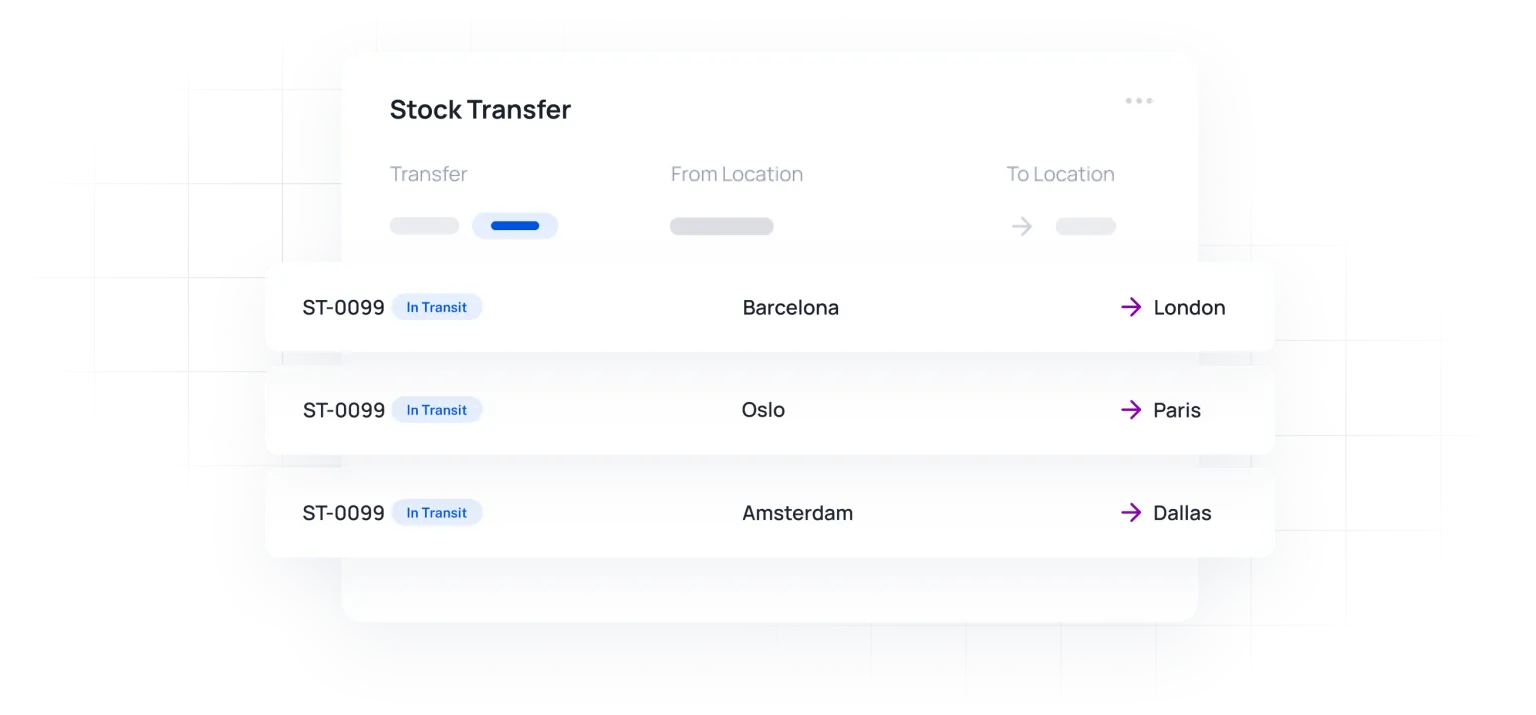
Stock on hand is tracked per location, so an order is fulfilled from the warehouse that has it. Moving stock is a transfer document, and pick lists print when an order reaches the shipping stage.
Stock placed with a customer on consignment lives in its own location. You can see it, transfer to it, and raise the sale from it when it sells, instead of losing track of it the day it left.
- Stock per warehouse, with transfers between them
- Consignment locations you can sell from
- Pick lists at shipping, on the mobile app if you want them there
See multi-location stock.
Built for moving volume
Each of these is explained on its own page.
Three-way checks
The purchase order, the goods received and the supplier bill, matched before the cost settles.
Landed cost
Freight and duty allocated across a shipment by value. A freight bill can span several purchase orders.
200 currencies
Buy and sell in any currency with automatic or custom rates, and cost in your base currency.
Approval workflows
Purchase orders that wait for sign-off before they commit you.
Lot and expiry tracking
For distributors of dated goods: batch numbers, expiry, and a recall that names who received what.
Xero and QuickBooks
Purchase orders and bills post to your accounts as they are approved. Your books stay the record.

We needed to centralise our inventory as we simply could not keep up anymore. So glad we stumbled across Qoblex… After trailing the app it did exactly that and even opened up a pandora’s box of other features that we are now utilising and saving us even more time.
Frequently asked questions
Pricing terms, locations, and what happens to a freight bill.
Can each customer have their own prices and minimums?
Yes. A price list carries its own prices, discounts and minimum order quantities, in any supported currency, and a customer’s orders take their list automatically. You can have as many lists as you need.
How many warehouses can I run?
Starter includes two locations. Business is unlimited, and Business is where most distributors start. It also lifts the order volume to 8,000 a year and steps up from there.
How is stock on consignment handled?
As a location of its own. Transfer stock into it, see it in your totals, and raise the sale from that location when the customer sells it on.
What happens when the freight bill is higher than quoted?
The three-way check compares the purchase order, what was received and the bill before the cost settles, so the difference is caught rather than absorbed into every unit. Freight is then allocated across the shipment by value. See landed costs.
Does it connect to an ERP?
Xero and QuickBooks Online connect directly. Other systems are reached through the API, which exposes orders, stock and purchasing.
How it works
Be up and running in a fraction of the time you’re expecting it to take.
- 1
Talk to an expert
Our experts have helped hundreds of product sellers just like you.
Book a demo - 2
Bring in a specialist
Engage an onboarding specialist to make it much easier for you.
Book a demo - 3
Go live fast
Unlike other systems, we can get you up and running within 1 week.