

Business Insights
Why Small Businesses Need Real-Time Inventory Visibility
Real-time inventory visibility helps small businesses make better decisions, reduce costs, and improve customer satisfaction.
4 min read
Partners and services
Help & support
Customers & Tools
By what you sell
A spreadsheet does not fail loudly. It drifts, a count here and a channel there, until the number on the screen and the number on the shelf disagree. Qoblex gives a small team one live count behind everything it sells, a phone that scans, and a reorder point that drafts the purchase order for you. Two users, two locations and unlimited SKUs on Starter, live inside a week.
Not because the spreadsheet breaks. Because three things start happening at once, and none of them show up in the file.
Nothing warns you a line is running low until a customer finds the empty shelf. The sale is gone, and often the customer with it.
Ordering on instinct buys too much of the slow lines and too little of the fast ones. Overstock is working capital you cannot spend.
The website sells what the shop floor sold an hour ago, and someone has to write the apology. A refund is the most expensive kind of order.
Every sale, return and delivery moves the same number. Stock on hand is tracked for every product and variant and tied directly to orders and adjustments, so there is nothing to reconcile at the end of the week. The count is the count.
Counting is done with the phone you already have. Qoblex uses the camera as a barcode scanner, so a stock take or a goods receipt is a walk down the aisle, not a dedicated device and a training session.
See inventory control in detail.
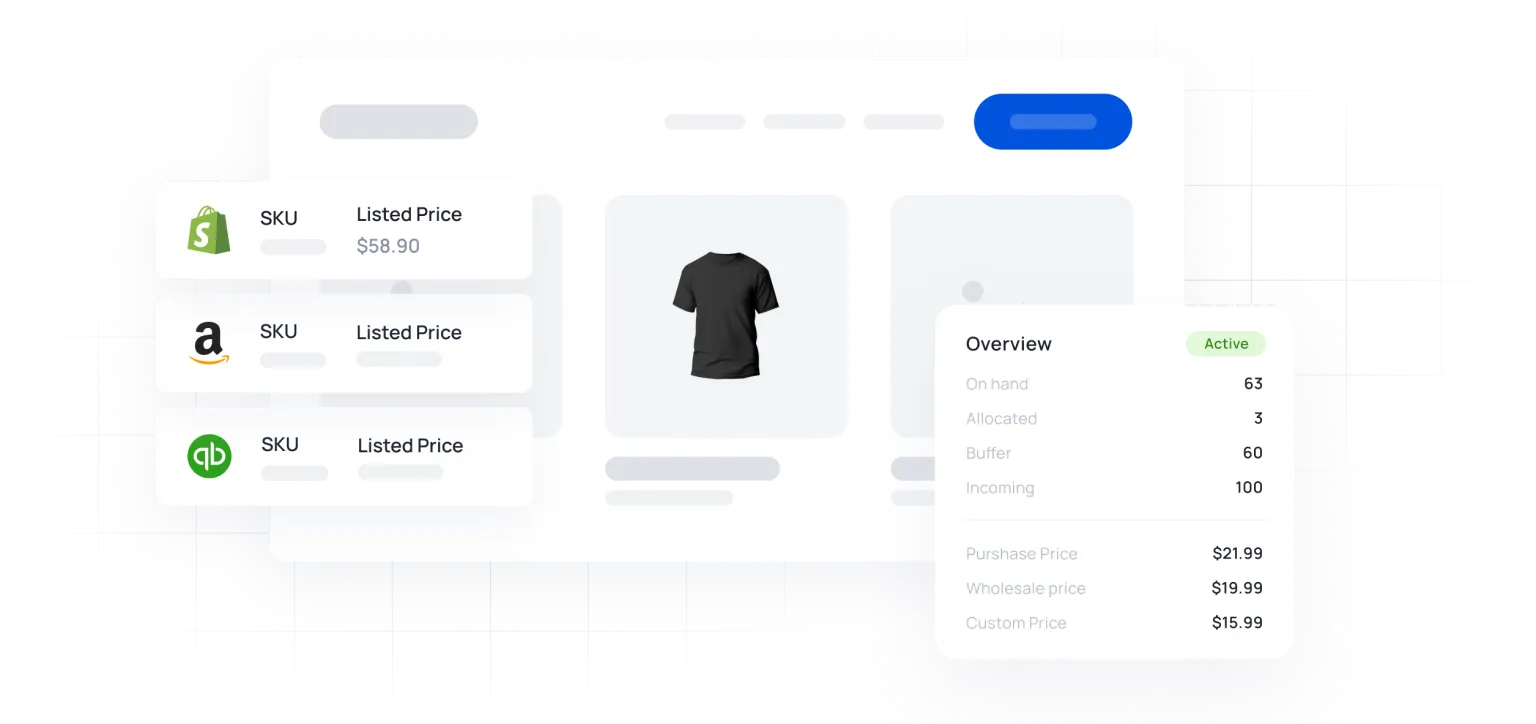
Set a reorder point on each line. The reorder report shows every variant that has fallen through it, and every variant that has gone negative, so Monday morning starts with a list rather than a search.
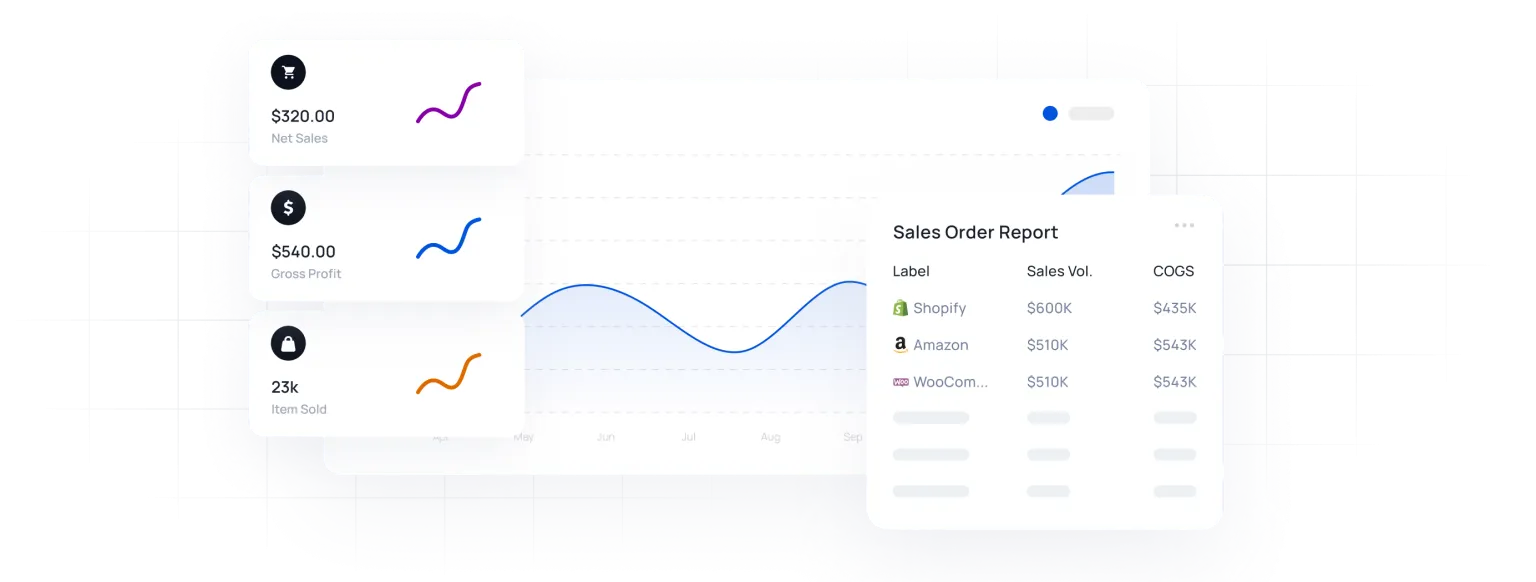
Sales by product tells you which lines earn their shelf space: sales volume, COGS, margin and projected profit per product and variant, from the live stock position rather than a closed period.
See reporting and purchasing.
Everything below is in Starter. The plan is sized for a small business: two users, two locations and two thousand orders a year. It grows when you do.
Find a product, count it or adjust it from the camera on an iPhone, iPad or Android phone.
One pool of stock behind your web store, with orders and stock levels synced both ways.
Sell grouped items without tying stock up in pre-packed kits. The components come down when the bundle sells.
Retail and trade prices on the same product, quotes with one click, and back-orders tracked through a stockout.
Invoices, bills and credit notes post to your accounts as they happen. Returns adjust stock and COGS automatically.
Stock value at moving average cost, margin per product, and what is nearing its reorder point.
A spreadsheet is genuinely fine for one channel, one currency and a handful of orders a month. This is where it stops being fine.
| Feature | Spreadsheet | Qoblex |
|---|---|---|
| Stock updates | When someone remembers | On every sale, return and delivery |
| Low-stock warning | None | A report, and a drafted purchase order |
| Two channels, one shelf | Reconciled by hand | One shared count |
| Cost per unit | Invoice price | Freight and duty included |
| Who can work in it | One file, one person at a time | Your team, with roles |

…the answer to many inventory and accounting challenges I faced with a slightly complicated type of product…Now I am able to quite easily control the inventory of the packages even if the item is sold individually or in multiple other packages on the website.
Cost, setup, and whether a business your size needs this at all.
Starter covers up to 2,000 orders a year, two users, two locations and unlimited SKUs. Integrations, the API and the mobile app are add-ons on Starter, so you pay for the pieces you connect. See pricing.
If you sell on one channel, in one currency, with no imports and a handful of orders a month, a spreadsheet is genuinely fine. It stops being fine when one delivery has to be split across channels, when two people need the file at once, or when you need to know what a unit really cost.
No. Setup is an import, from a CSV or a connected Shopify or WooCommerce store, plus a connection to your accounting. Business includes an hour with an onboarding specialist, and most small teams are running within a week. A guided onboarding programme is there if you would rather someone ran it with you.
Shopify, WooCommerce, Xero and QuickBooks Online connect directly. The mobile app runs on iPhone, iPad and Android. Anything else can be reached through the API.
It is yours. Products, stock movements and orders export at any time, and there is no contract to give notice on.
Business Insights
Real-time inventory visibility helps small businesses make better decisions, reduce costs, and improve customer satisfaction.
4 min read
Uncategorized
Download free small business inventory templates for Excel and Google Sheets. Plus: step-by-step guide to build an automated system with reorder alerts and order summaries.
11 min read
Business Insights
Demand forecasting software uses past sales data and seasonality to build a statistical model of future product demand. Learn how it works and where Qoblex fits.
13 min read
Be up and running in a fraction of the time you’re expecting it to take.
Our experts have helped hundreds of product sellers just like you.
Book a demoEngage an onboarding specialist to make it much easier for you.
Book a demoUnlike other systems, we can get you up and running within 1 week.