

Business Insights
Scaling B2B Operations to Effectively Serve B2C Customers
Scaling from B2B to B2C unlocks growth by adapting marketing, fulfillment, and technology to meet consumer needs.
3 min read
Partners and services
Help & support
Customers & Tools
By what you sell
Trade customers still order by email, and someone still keys it in. Qoblex gives your accounts a private store on your own domain, with their prices, their minimums and your live stock, so they reorder themselves at eleven at night, and the order arrives in the same inventory and the same books as everything else you sell.
Because the alternative has usually been an enterprise portal priced for an enterprise.
It arrives as a list, gets retyped, and the retyping is where the wrong size, the old price and the missed line come from.
Negotiated prices, minimums, currencies and payment terms, all remembered rather than recorded. New staff cannot quote without asking.
A big trade order and a weekend of web sales draw from one shelf, and neither system knows about the other until something has been promised twice.
The B2B portal is a private storefront on a domain of your choosing, such as store.yourbusiness.com, with your branding and no public listing. You invite the accounts. They log in, see their own price list and minimums, and order against your live stock.
Collections and customer groups decide who sees what, so a distributor and a small retailer can shop different ranges at different terms from the same catalogue.
See the B2B eCommerce platform.
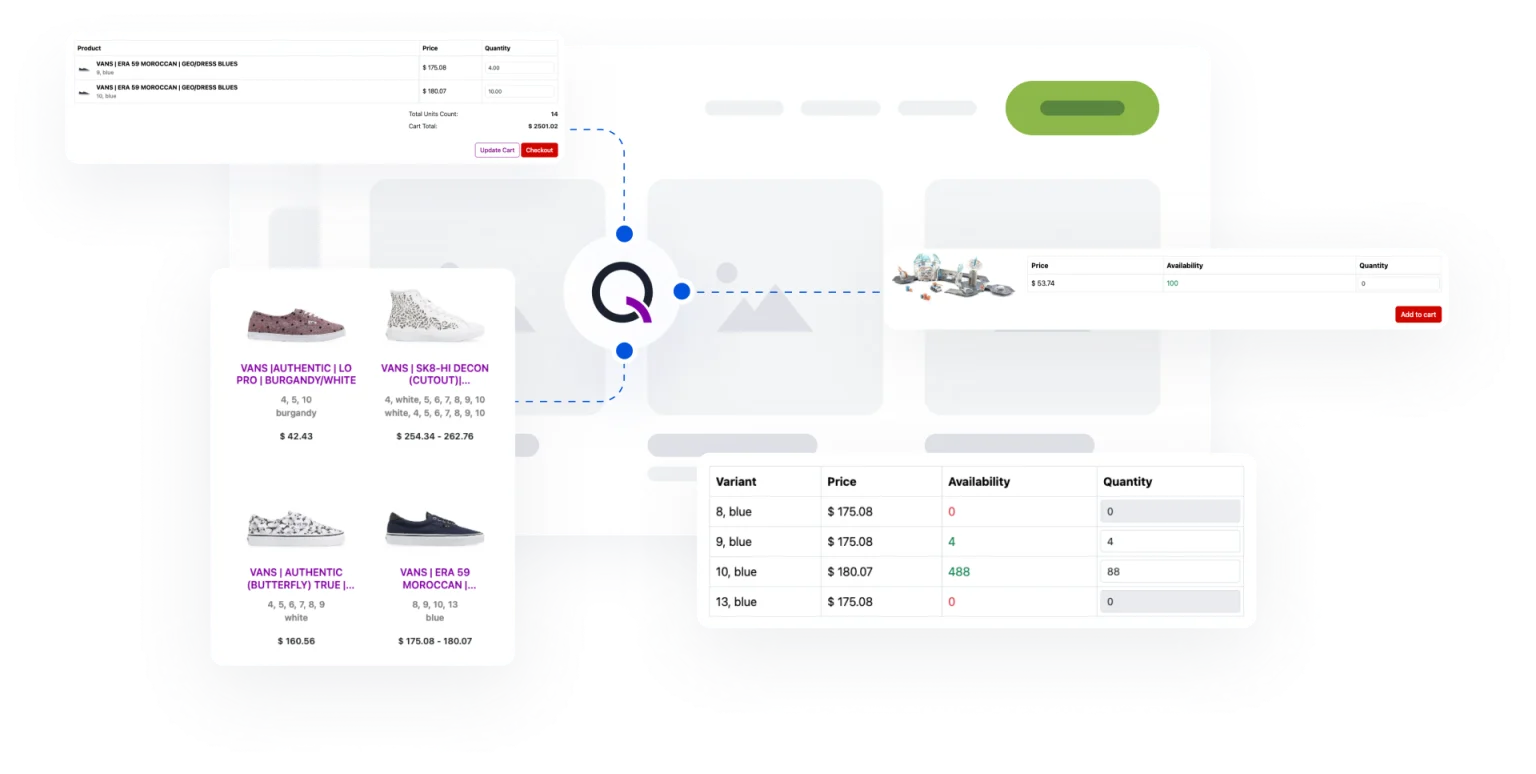
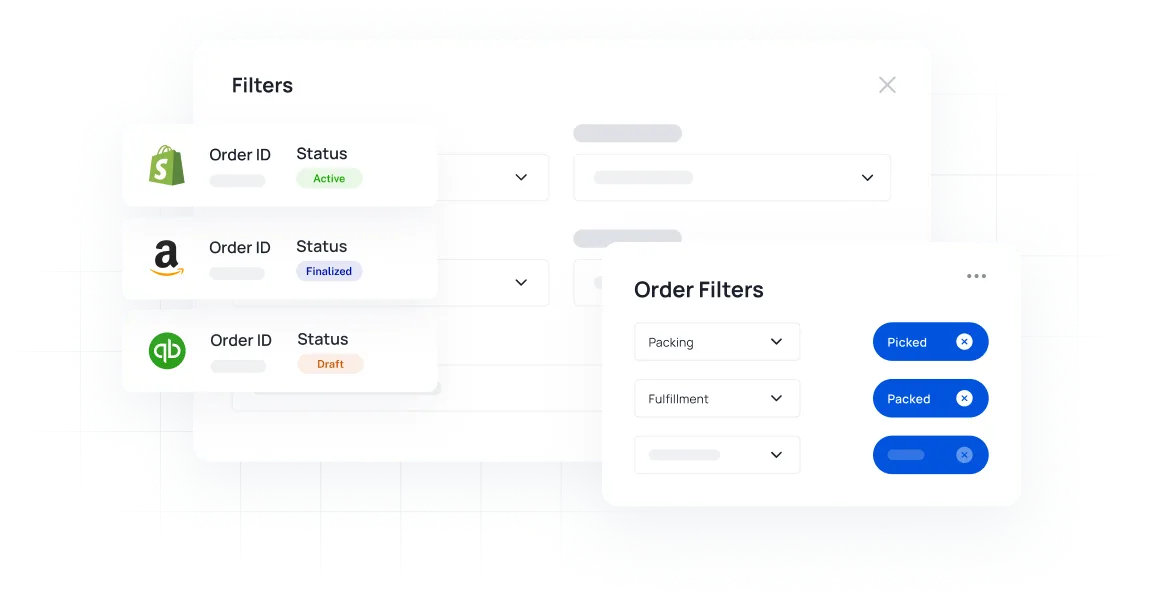
A portal order is an order like any other: it allocates stock, it appears in the same list as your Shopify and counter sales, and it posts to Xero or QuickBooks Online as an invoice. Retail and trade are two prices on one product, drawing from one pool.
Quotes go out with a click, back-orders are tracked through a stockout, and the mobile app picks and packs the order from the warehouse floor.
See order management.
The portal is one part of the same system. These are the others a B2B seller leans on.
The trade store lives at a URL you own, under your brand, not ours.
Decide which accounts see which collections, at which price list.
Price lists in the customer’s currency, with automatic or custom rates.
Fulfil a trade order from whichever warehouse has it, with transfers between them.
What each line and each customer actually earns, at real landed cost.
Push orders and stock to whatever your larger customers run.

We have been using Qoblex to help with the running of 10+ Shopify sites including both made to order, and stock inventory. Our main goal was to allow staff, in different locations, to always have correct stock on hand figures. However, the integration with Xero also cut down administration.
The portal, pricing terms, and how trade orders meet the rest of your stock.
It is an add-on on Starter and Business, at one flat price however many B2B stores you run, and included on Scale. See pricing.
Yes. Point a domain you own, such as store.yourbusiness.com, at the portal and it carries your branding throughout.
Yes. Each account is assigned a price list, with its own discounts and minimums, and customer groups control which collections each account can see.
Yes. Every channel draws from one pool of stock, so a trade order allocates the same units your web store is selling, and neither can promise what the other has taken.
Orders post to Xero or QuickBooks Online as invoices, and your accounting platform handles terms and payment as it does today. Qoblex keeps the stock and the order; your books stay the record.
Business Insights
Scaling from B2B to B2C unlocks growth by adapting marketing, fulfillment, and technology to meet consumer needs.
3 min read

Business Insights
Uncover vital strategies for future-proofing your B2B technology in our latest article and gain expert insights to ensure lasting success.
4 min read
Be up and running in a fraction of the time you’re expecting it to take.
Our experts have helped hundreds of product sellers just like you.
Book a demoEngage an onboarding specialist to make it much easier for you.
Book a demoUnlike other systems, we can get you up and running within 1 week.