This article describes the process to follow to update your payment information
If you need to change the card you are using to make payment for your subscription please follow the steps below:
- Go to your Account settings
- Click on Plans and Billing
- Click on Change payment details

You will be redirected to a page hosted by our payment provider (Stripe) where you will be able to update your payment information
The steps above apply when you have a valid subscription. If your account has expired then please follow the steps below:
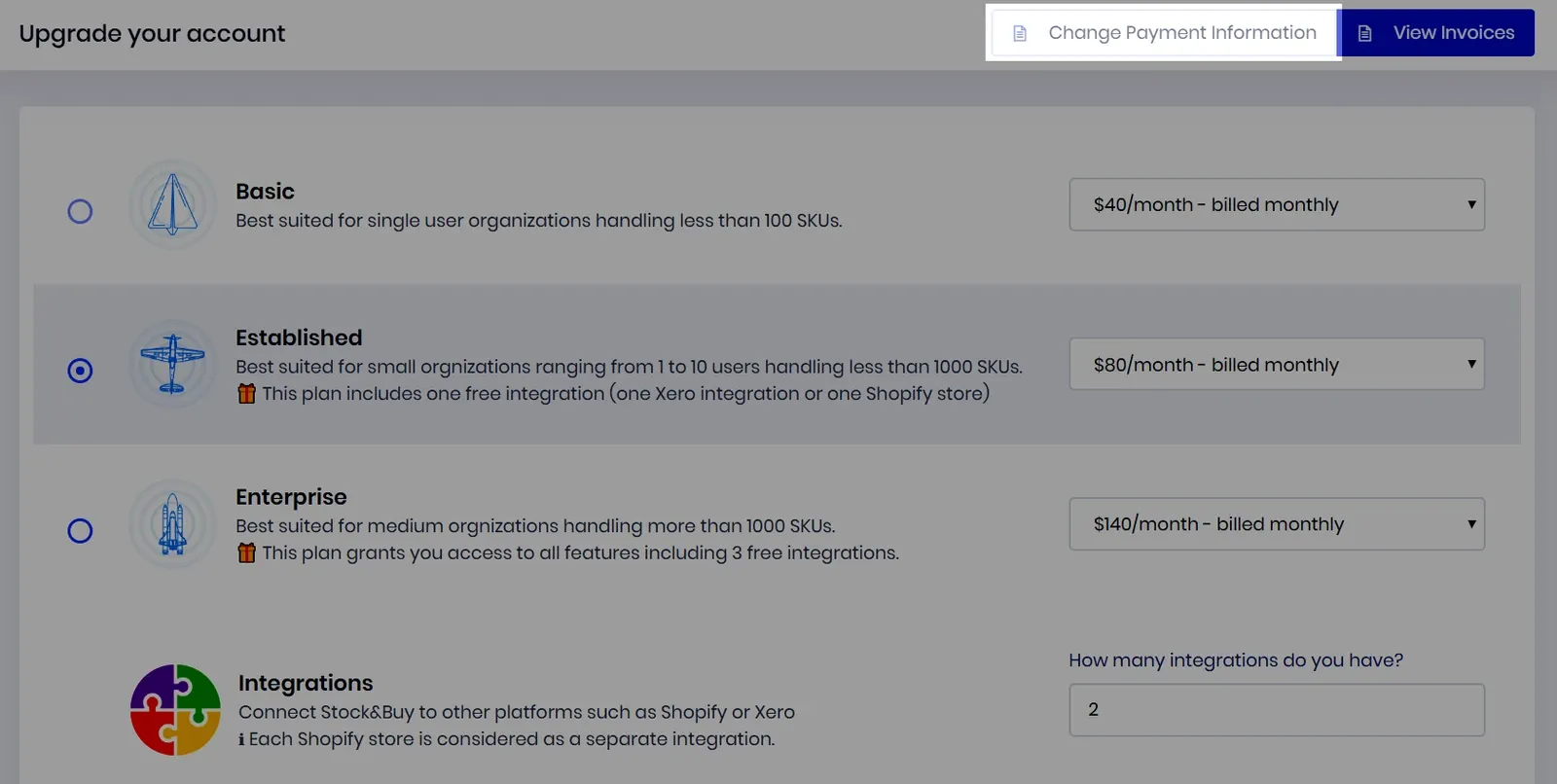
- On the Upgrade page, click on Change payment information
- The Plans and Billing page will open
- Click on Change payment details