

Business Insights
Inventory Management Software With a Barcode Scanner
A guide for operators who searched for a barcode scanner and want to know which problem it is supposed to solve first.
10 min read
Can we measure how this site is used?
We would like to use Google Analytics and Microsoft Clarity to see which pages help and which do not. They set cookies and record how pages are used. Nothing runs until you say yes, and the site works either way. Privacy Policy
Partners and services
Help & support
Customers & Tools
By what you sell
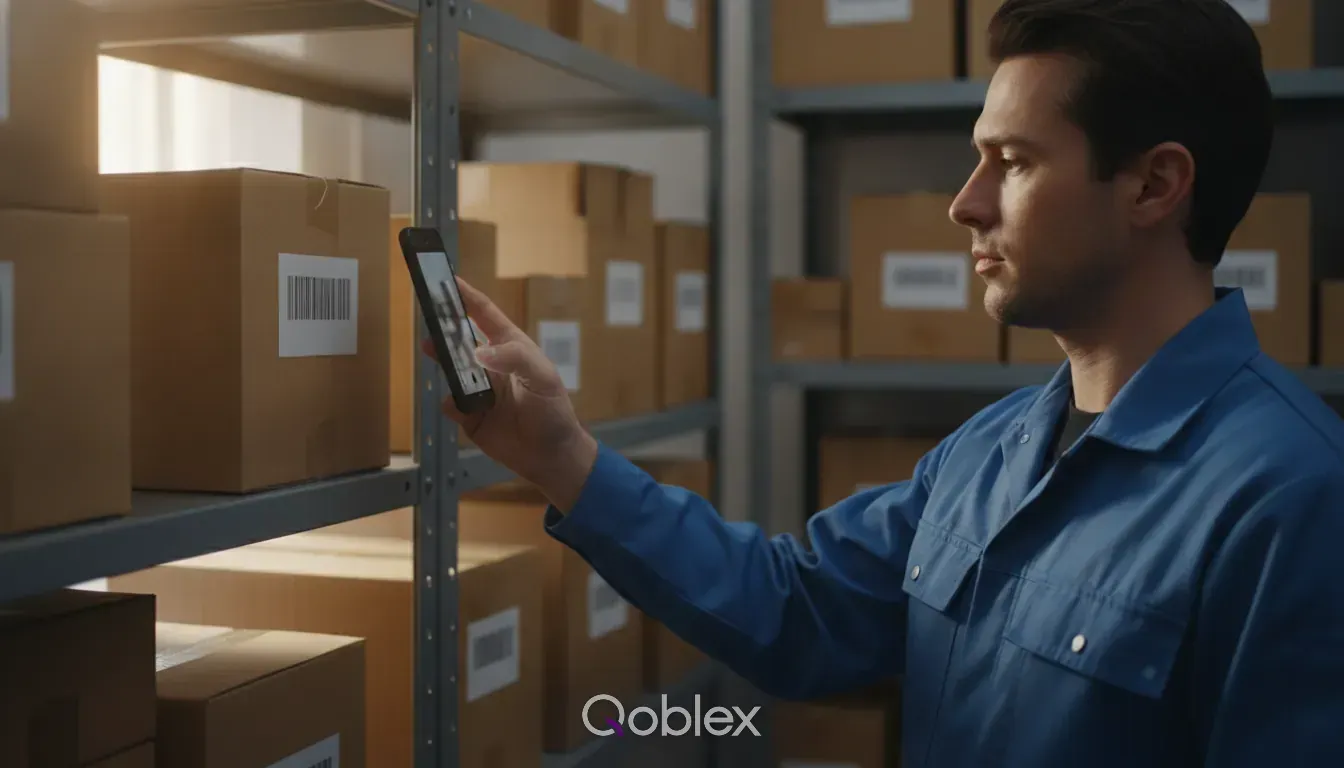
The work that changes stock does not happen at a desk. It happens on a shelf, at a trade stand, in the back of a van, and the record of it gets written on paper and typed in that evening, from memory, if at all. That gap is where most stock errors are made. The Qoblex app puts the same catalogue, the same customers and the same stock levels in your pocket, and uses the phone camera as the barcode scanner, so the count happens where the stock is.
Everything the app does, it does against the live account. There is no separate mobile copy of your data to reconcile afterwards.
Create and edit sales orders in front of the customer, with their price list and their currency already applied. The order is in the system before you have packed the stand, rather than on a pad you transcribe on Monday.
Scan to find a product, add it to an order, or count it. No sled, no handheld terminal and nothing to buy: the phone your team already carries is the hardware.
Create adjustments and run a stocktake by scanning your way along the racking. What you count is what gets recorded, with a reason and your name on it, and nobody retypes a tally sheet.
Work through the day’s shipments on the phone: pick the lines, pack them and dispatch. Scanning as you pick is what catches the wrong variant before it goes in the box rather than after it reaches the customer.
The whole catalogue is there with images, variants, barcodes and the price list that applies to the customer you are standing with. Answering “what does that cost for us?” stops needing a phone call to the office.
A user you invite signs in to the app with the same account and the same permissions they have at a desk. What a picker can see on a phone is exactly what you decided they could see, and nothing is a second set of logins to maintain.

This app is one of the best investments ever! Our inventory problems have been solved. 90% of our products are bundles/composites and Qoblex works perfectly with these types of products. Support is awesome!
Devices, scanning, and what the app can do.
iPhone, iPad and Android phones and tablets. It is the same app on all of them, working against the same account as the web version.
No. The app uses the phone’s camera to read barcodes, for finding products, building orders and counting stock. If you already own scanners, they work with the web app on a desktop for receiving and recording supplier bills.
Browse the catalogue, create and edit sales orders, pick, pack and dispatch shipments, and run stocktakes and adjustments. It is built for the jobs that happen away from a desk rather than as a copy of the whole system.
The app works against your live account, so it needs connectivity to read and write. In a warehouse with patchy coverage, a wireless network is worth having where the counting happens.
The app is a paid add-on on Starter and Business, and is included on Scale. It is per account rather than per person, so your whole team uses it once it is on. See pricing for current terms.
Download it from the App Store or Google Play and sign in with your Qoblex account. There is nothing to configure: the products, customers and stock are already there.
Business Insights
A guide for operators who searched for a barcode scanner and want to know which problem it is supposed to solve first.
10 min read
Business Insights
In a world flooded with options, picking the perfect barcode scanner can be a daunting task. This article breaks down the key factors to consider when selecting the right scanner for your needs.
3 min read
Business Insights
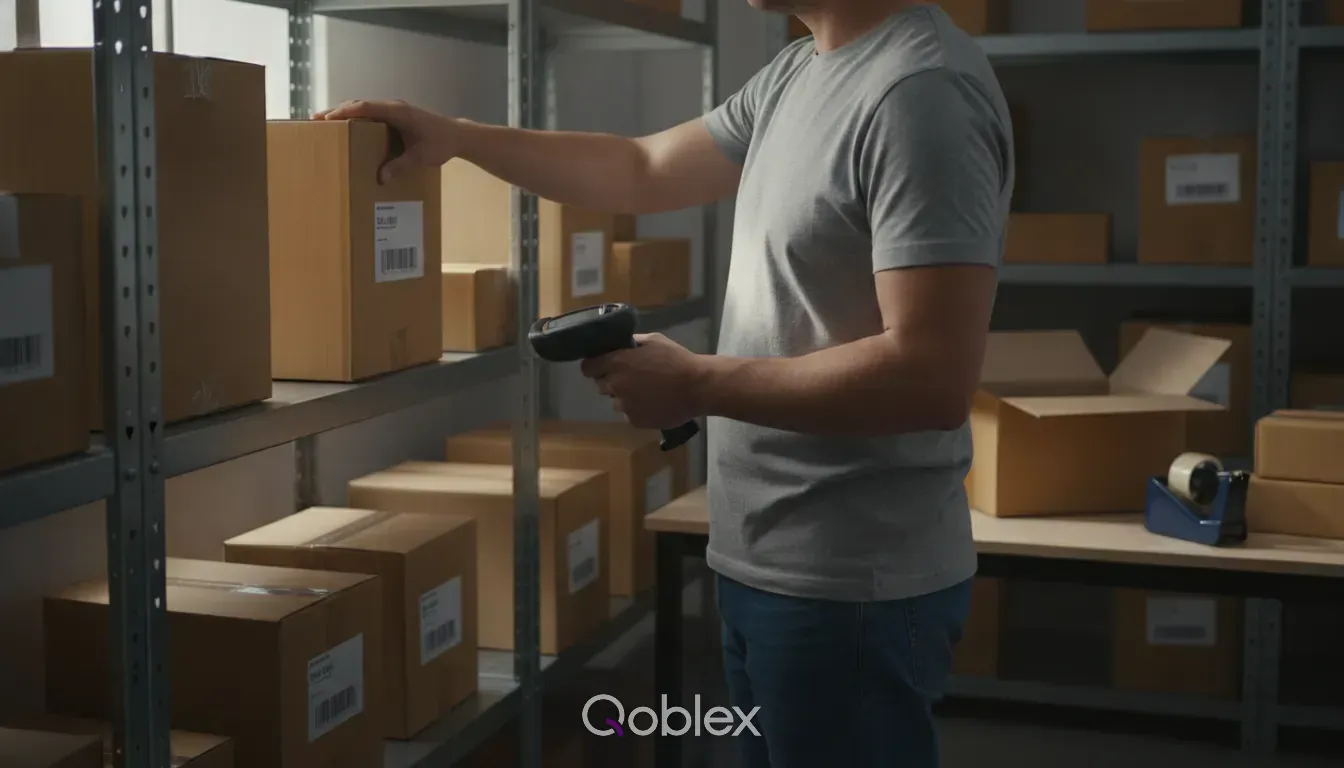
A guide for operators who already ship their own orders and are deciding whether the pick, pack and dispatch step needs its own software.
10 min read
Be up and running in a fraction of the time you’re expecting it to take.
Our experts have helped hundreds of product sellers just like you.
Book a demoEngage an onboarding specialist to make it much easier for you.
Book a demoUnlike other systems, we can get you up and running within 1 week.